
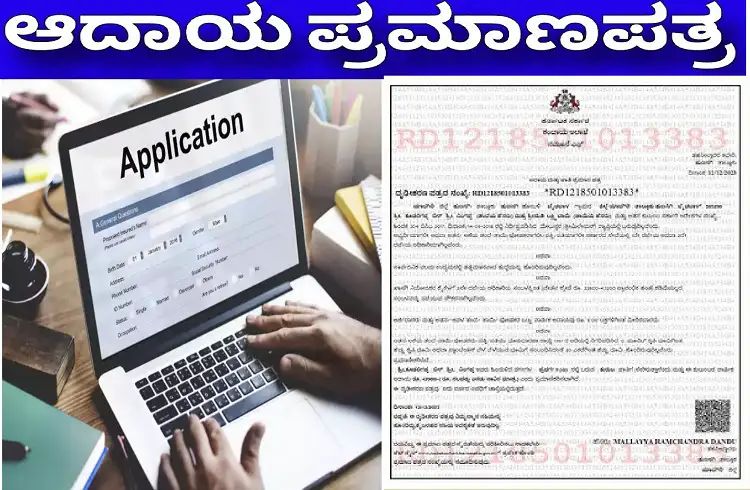
Step 1: Visit the official website
· The primary portal for Karnataka Government Income Certificates is the “Sakala” services or “Seva Sindhu” portal.
· Link to Seva Sindhu portal: https://sevasindhu.karnataka.gov.in
Step 2: Create an account/Log in
· If you are a new user, register using your mobile number and email ID.
· If you are already registered, login with your details.
Step 3: Search and select a service
· After logging in, search for “Income Certificate” or “Kandaya Sertifikasi”.
· Select the “Income Certificate” option from the list of services.
Step 4: Fill the online application form
· Enter all the required personal information accurately:
· Full name of the applicant
· Father/Mother/Husband/Wife name
· Address (permanent and current)
· Date of birth
· Annual family income details
· Caste/Class details (if applicable)
Step 5: Upload required documents
· Upload scanned copies (in PDF/JPEG format) of the following documents:
· Aadhar card (mandatory)
· Ration card (may be required as an accessory)
· Address proof (bill/bond etc.)
· Recent passport size photograph
· Self-declaration document (template is available on the portal)
Step 6: Submit application and pay fee
· Check and submit the application.
· Pay the nominal application fee (if any) through debit/credit card, net banking or UPI.
Step 7: Application Number and Tracking
· After submission, you will be given an application/receipt number.
· You can track the status of your application using this number on the Seva-Sindhu portal or the Sakala tracking website at https://sakala.karnataka.gov.in.
Step 8: Get the certificate
· After confirmation, the approved income certificate will be:
· Sent to your registered email in digital format.
· Can be downloaded from the Seva-Sindhu portal.
· Or a physical copy can be obtained from the local Tahsildar/Revenue office.
Important Links and Help:
· Seva-Sindhu Portal: https://sevasindhu.karnataka.gov.in
· Sakala (Service Guarantee) Portal: https://sakala.karnataka.gov.in
· Helpdesk Number: Use the helpline numbers provided on the portal.
Note: Always check the official website of Siva-Sindhu for any changes in the process or required documents.
These details will help the citizens of Karnataka state to get income certificate online.